 GamingHighlightAIStart 7-day free trial →
How to clip a stream on Twitch, YouTube or Kick
You can clip a stream by hand: on Twitch with the Clip button, on YouTube with Clip under the live, on Kick with its clip tool. Each clip is short, horizontal, and you have to catch the moment while it happens. Or you can let AI clip the whole stream for you.
Get clips from your stream →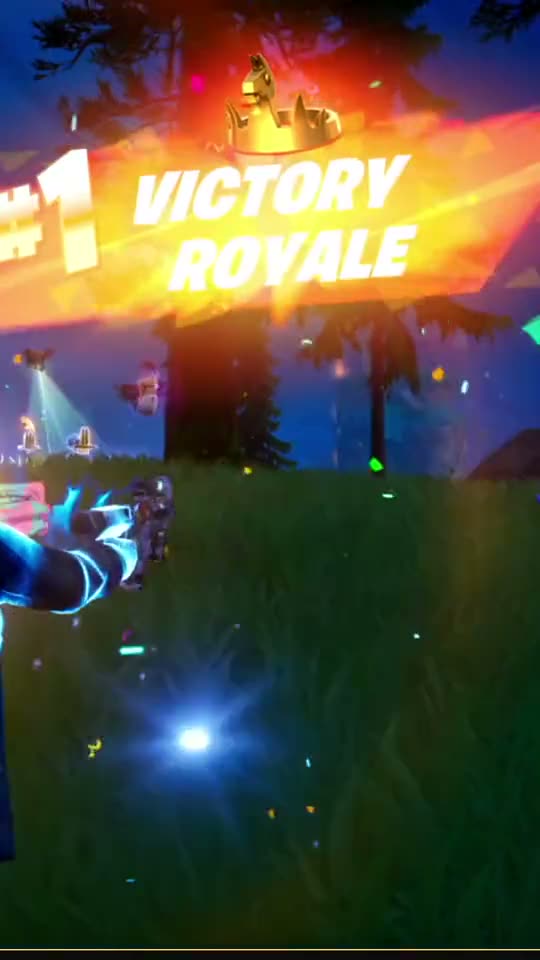 I Actually Won This One
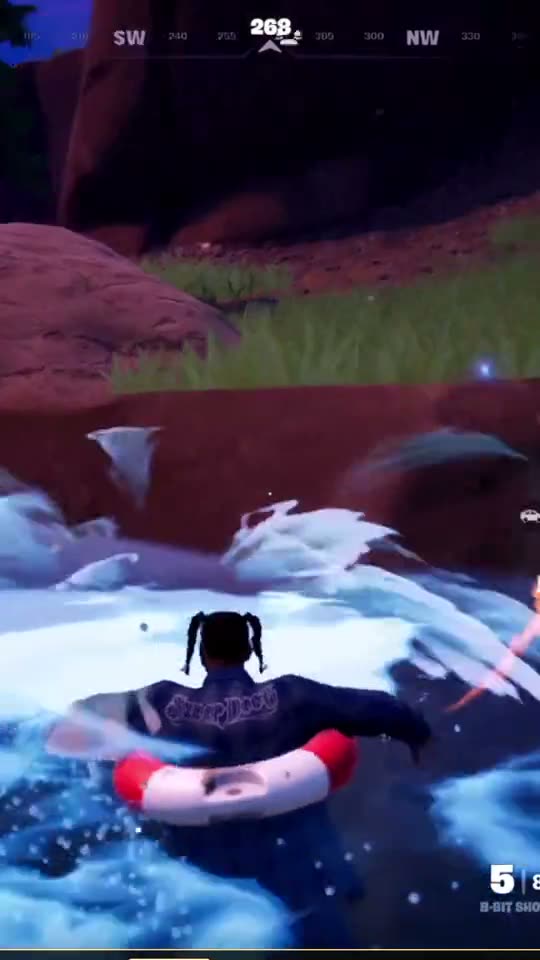 I Wiped Their Whole Team
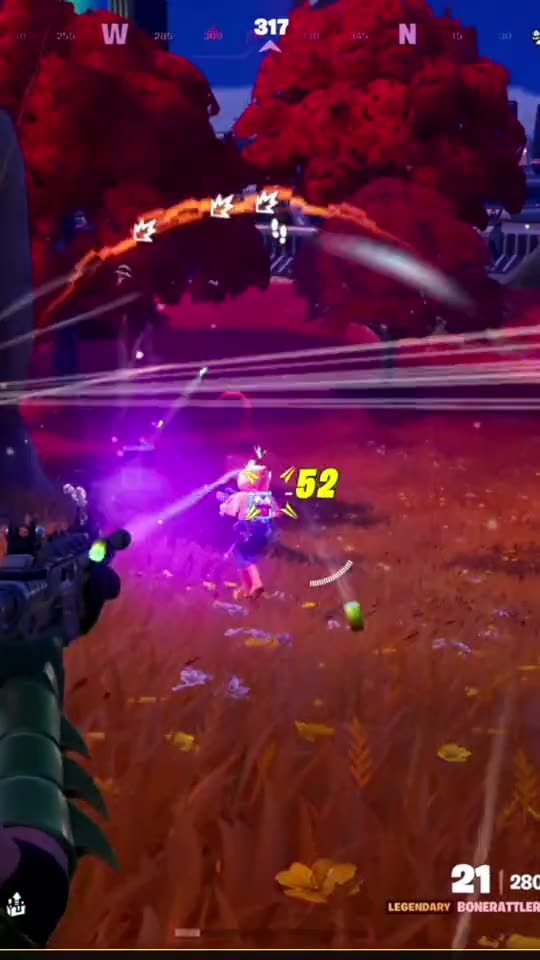 POV: One Burst, Instant Knock
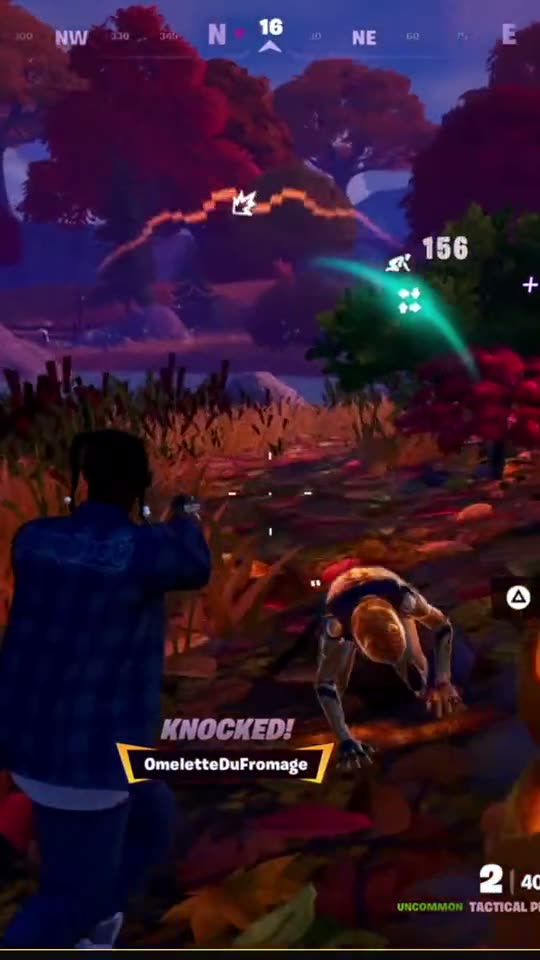 Two Before They Could Blink
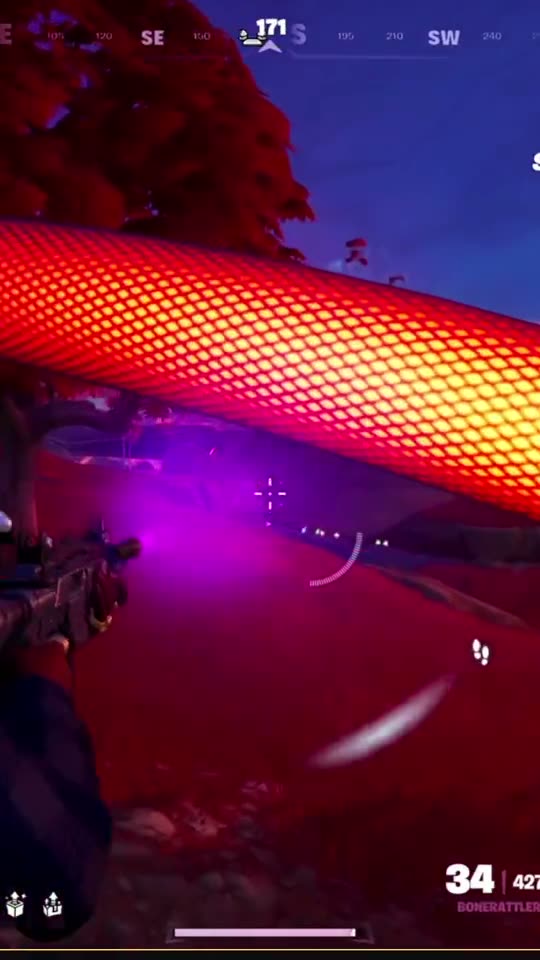 Two SMG Bursts, Zero Mercy
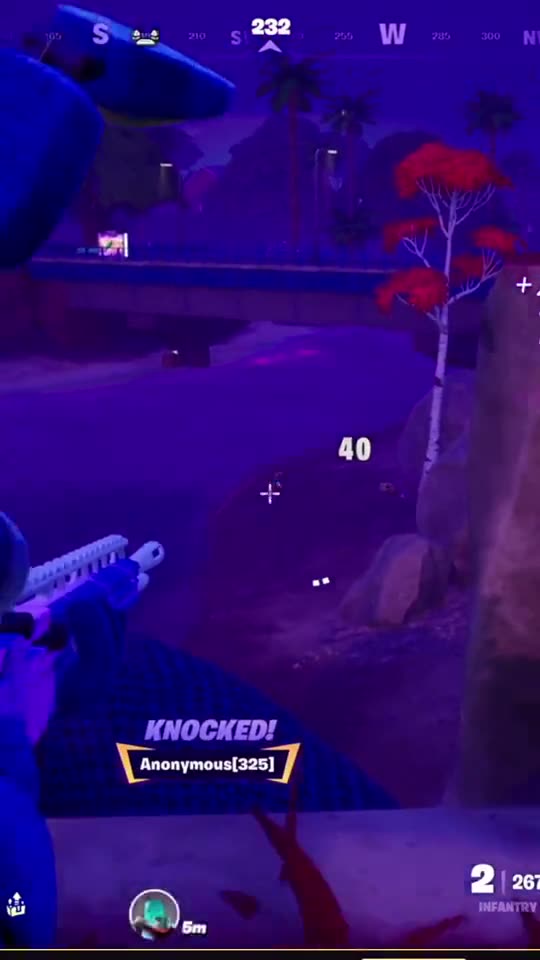 I Hit A 54m Rifle Knock
The automatic way, on any platform
- Twitch, YouTube or Kick: sign in with the platform you stream on, or paste a link to a past stream.
- The AI watches the whole stream and clips every highlight, not just the ones someone remembered.
- Clips come out vertical (9:16) with your facecam on top, ready for TikTok, Shorts and Reels.
- Each clip gets a title and hashtags, and you can publish from the same place.
Everything included
- Clips after every live on Twitch, Kick or YouTube — and from any past broadcast link.
- Up to 50 clips from one stream, plus a Live Recap of your best moments.
- AI titles and hashtags for every clip.
- Vertical editor: facecam on top, gameplay only and more — in Full HD and up to 2K.
- Publish to YouTube Shorts, Instagram Reels and Facebook from one place.
- The whole site in 11 languages.
Questions
How do I clip someone else's stream?
GamingHighlightAI is made for your own streams: you sign in with your own channel, so the clips you post are yours.
Why are platform clips not enough?
Platform clips are short, horizontal and depend on someone pressing the button live. Vertical clips cut from the whole stream get far more views on TikTok, Shorts and Reels.
Do I need to install anything?
No. GamingHighlightAI works in your browser and watches your public stream like a viewer. We never ask for your streaming password.
Which games does it work with?
Any game. The AI understands gameplay — EA FC, Fortnite, Call of Duty, Valorant, Apex, GTA and more — and skips lobby, menus, loading screens and AFK time.
Can I post the clips to TikTok?
Yes — download any clip and post it anywhere. Publishing straight to YouTube Shorts, Instagram Reels and Facebook works from the site; direct TikTok publishing is coming soon.
How does the free trial work?
You get 7 days of full access. A card is required to start; cancel in one click before day 7 and you pay nothing.